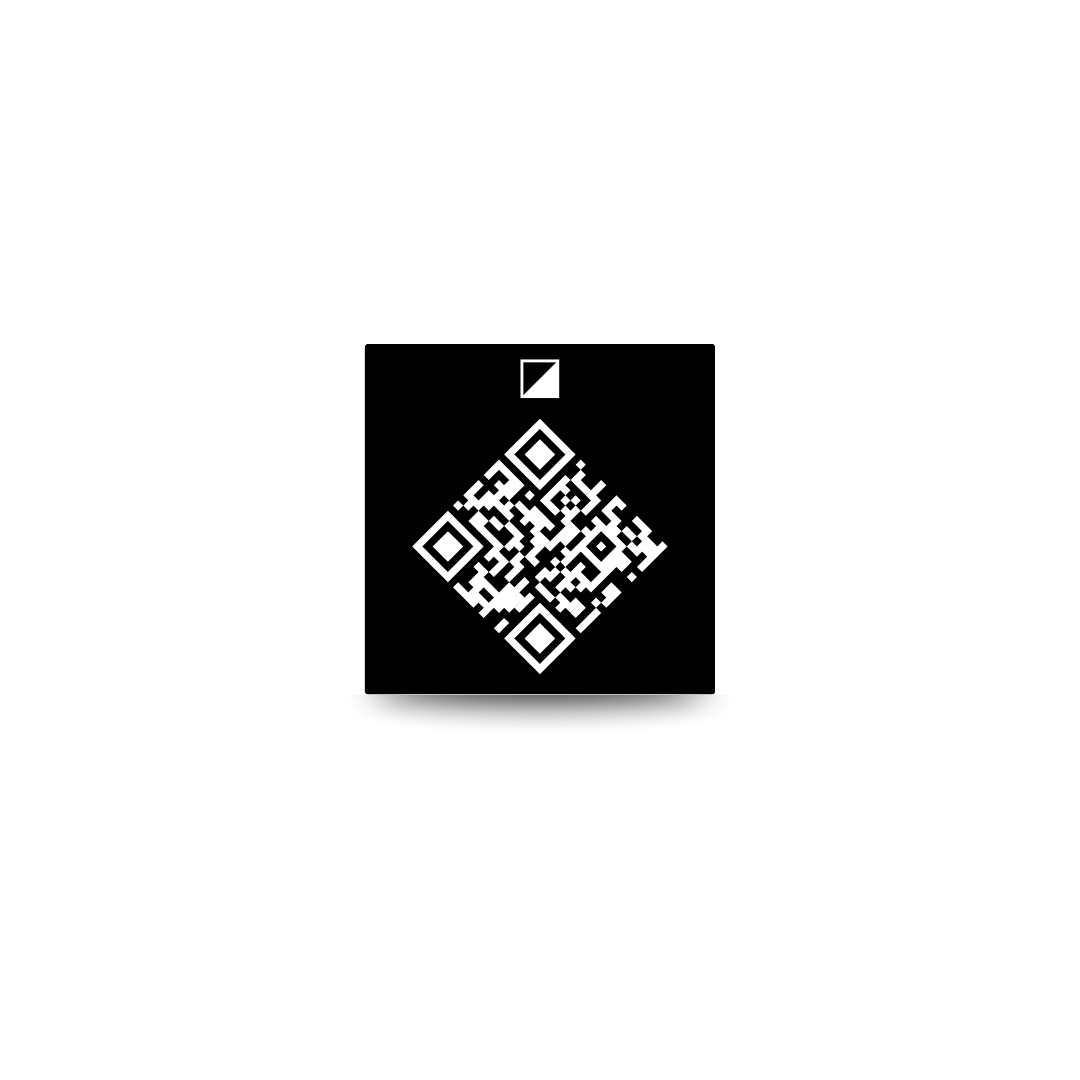
To install a memorial QR code plate, confirm the rules, choose a flat surface, clean and dry it well, test the scan, then press the adhesive plate firmly in place. If anything feels uncertain, pause and ask for help before attaching it.
This guide is for practical setup support. Cemetery policies and marker materials vary, so always follow the rules for the location and the product instructions that come with your plate.
Setup steps for installing a memorial QR code plate
Check rules first. Confirm that the cemetery, memorial park, mausoleum, churchyard, or property owner allows adhesive QR plates. Ask about placement, size, material, and whether staff approval is needed. If you are not sure what to ask, start with the installation instructions and then call the cemetery office.
Choose a flat surface. The surface should be smooth, stable, and large enough for the plate. Avoid rough stone, curved areas, seams, cracks, flaking surfaces, wet areas, or places where water pools.
Clean the surface. Dust, pollen, grass clippings, wax, oils, and moisture can affect adhesion. Clean only in a way that is safe for the marker material and allowed by the cemetery. Let the area dry fully.
Test scan before placement. Hold the QR plate where you plan to install it and scan it with your phone. Make sure the code opens the correct memorial page. If it is hard to scan before installation, choose another spot or ask support for help.
Press and wait. Once you are confident about the spot, attach the plate according to the product instructions. Press firmly and evenly. Do not keep lifting and reapplying the adhesive, since that can weaken the bond.
When to ask for help. Ask for help if the surface is uneven, the cemetery has special rules, the marker is fragile, the plate does not scan easily, or you are not comfortable attaching it yourself. You can contact Beyond This Stone support for product questions, but cemetery approval must come from the cemetery or property owner.
Check rules first
Rules come before installation. Even a small memorial QR code plate may count as an added item on a grave marker.
Some cemeteries allow adhesive plaques. Some require staff placement. Some allow additions only through an approved monument dealer. Others do not allow QR codes or attachments at all. Ask the office directly before attaching anything.
If they say yes, ask whether they want to see the plate first. If they say no, respect the rule and consider a different location, such as a home memorial display, urn, framed photo, memory table, or printed card.
Choose a flat surface
Adhesive works best on a flat, clean, dry surface. It is not meant to solve every surface problem.
Avoid areas that are:
- Rough, sandy, or crumbling
- Curved or beveled
- Wet or shaded by constant moisture
- Covered in moss, lichen, wax, polish, or residue
- Likely to be hit by trimmers or maintenance tools
- Too low to scan comfortably
Clean the surface
Cleaning is simple, but it matters.
Use the materials recommended by the plate instructions and suitable for the marker. Many stones should not be cleaned with harsh chemicals. If the cemetery maintains the marker, ask what is allowed.
After cleaning, let the area dry. Moisture can keep adhesive from bonding well. If rain is coming or sprinklers are running, wait for a better time.
For Beyond This Stone orders, the instructions page is the best place to check current setup guidance before you install.
Test scan before placement
Test the scan while the plate is still loose. This prevents a frustrating mistake.
Hold the plate in the planned position and scan with a phone. Check that the phone opens the correct memorial page. If there is glare, shadow, or an awkward angle, adjust the placement.
You can view an example memorial to see what visitors may expect after scanning.
Press and wait
Once the placement is approved, clean, dry, and scan-tested, attach the plate.
Press firmly and evenly. Do not slide it around after contact. Do not peel it back to check the adhesive. If the product instructions recommend a waiting period before cleaning or handling, follow it.
After installation, scan one more time. Then take a photo of the installed plate for your own record. If there is an issue, contact support with the order details and a clear photo.
When to ask for help
Ask for help before installation if the marker is old, fragile, rough, curved, heavily polished, or under cemetery restrictions. A monument dealer or cemetery staff member may be able to advise on placement.
Ask Beyond This Stone for help if you have product questions, setup questions, or trouble opening the memorial page. Start with the installation instructions, then use support if you need personal help.
How Beyond This Stone fits
The Beyond This Stone memorial QR code plate is a 2x2 anodized aluminum adhesive plate that links to a digital memorial page. It is designed to be simple, respectful, and easy for families to set up when the chosen surface and location allow it.
The product is $99.99 as a one-time purchase, with no subscription required. US shipping is free, and an optional 10-year warranty is available. Memorial page privacy can be public, link-only, or private.
If you are ready to install, keep the setup instructions open on your phone. If you get stuck, contact support before attaching the plate.
Frequently asked questions
Can I install a QR code plate on any headstone?
No. You need cemetery permission, a suitable flat surface, and a marker material that can hold the adhesive properly. Ask the cemetery office before installation.
Should I test the QR code before attaching it?
Yes. Hold the plate in place and scan it before attaching. Make sure it opens the correct memorial page and can be scanned comfortably from a normal distance.
What if the surface is rough or curved?
Do not force the installation. Rough, curved, or unstable surfaces can reduce adhesion and make scanning harder. Ask the cemetery, a monument professional, or support for guidance.
Where can I find Beyond This Stone setup instructions?
Use the Beyond This Stone instructions page for current setup guidance. If you need help with your order or memorial page, contact support.
What if the QR code does not scan after installation?
First clean the plate gently and try scanning in better light. If it still does not work, contact support with a photo and your order information so the issue can be checked.
